
A workshop on merging the Visual Arts with STEM learning to recreate your world


Workshop Development Walk-through
This is a video walk-through of the workshop project during the development phase. It showcases several physical objects being used as switches and buttons to trigger changes in the digital visual art.
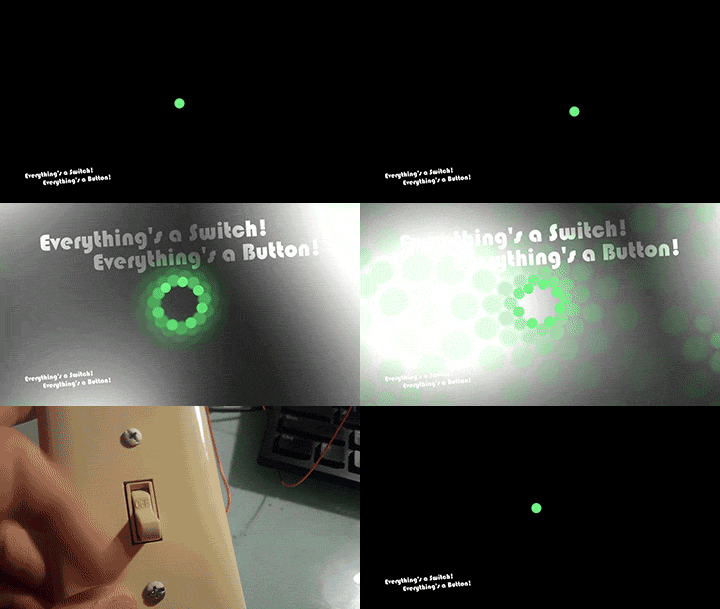
Light Switch Circuit - Animated GIF
Turning this light switch closes a circuit that sends a signal to the software to switch on a set of effects that repeats and distributes the circle shape in a kaleidescope style and turns on background shading.
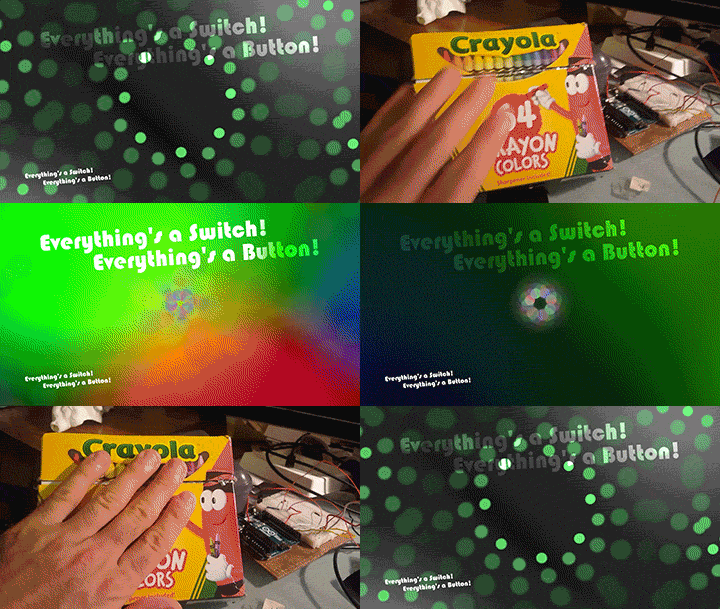
Crayon Box Capacitive Sensor - Animated GIF
This crayon box is lined with aluminum foil that's attached to an Arduino making it a Capacitive Sensor, which detects minor changes in electric current. When you touch it, the electricity from your body sets off a switch to add colors to the visuals.
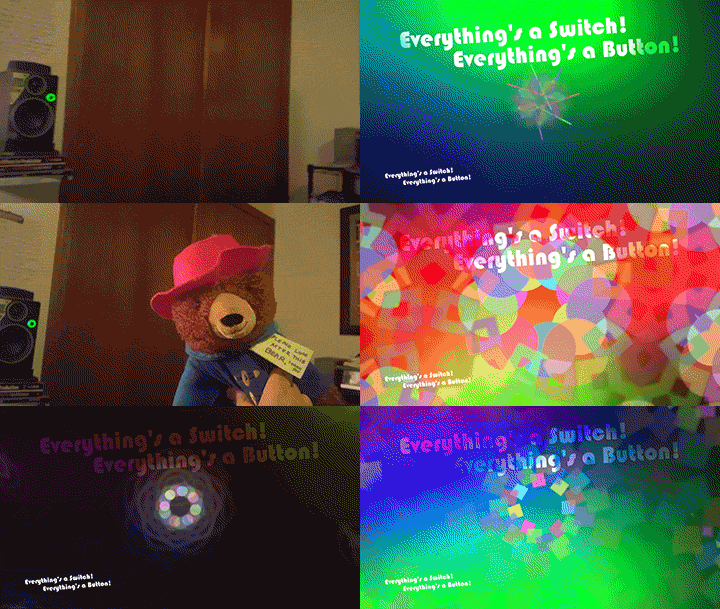
Teddy Bear Accelerometer - Animated GIF
A tiny cell phone hidden in this stuffed bear wirelessly sends out the rotation value from the phone's accelerometer. When the bear is at a certain angle it switches between several shapes in the kaleidoscope imagery.
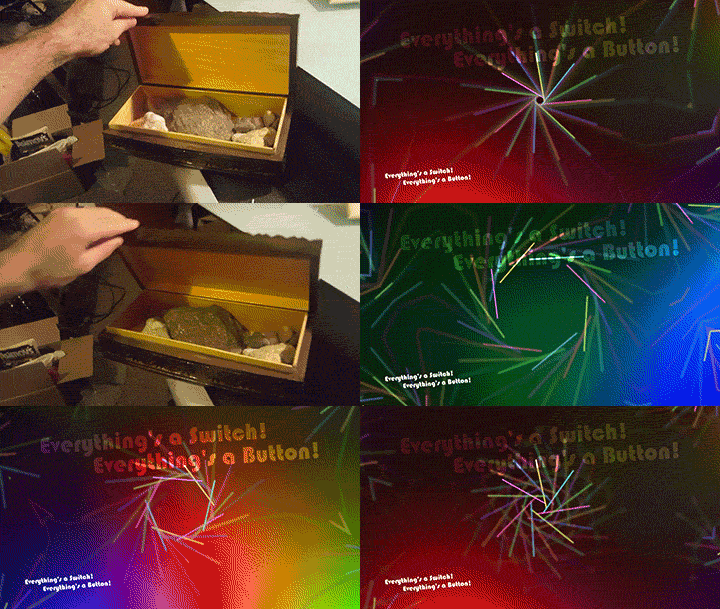
Rock Box Light Sensor - Animated GIF
A small light sensor is hidden within this box of rocks. When the box is open the visuals change and move, but when the box is closed the light sensor acts as a pause button and holds the visuals in place
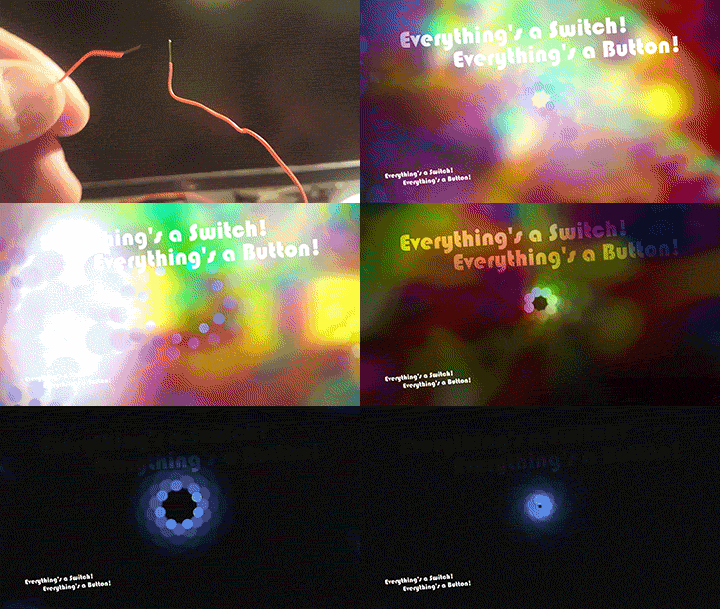
Closing a Circuit is Making a Change - Animated GIF
During the workshop, students will test creative ways using the physical objects in the surrounding environment to close a circuit triggering a change in the digital visuals (doors, books, etc). Together, we will attempt to make everything a switch and everything a button!


Scroll through video and animated Images
Everything’s a Switch! Everything's a Button!
is a completely free-of-charge hands-on interactive workshop for schools, clubs, and free-choice learning organizations that demonstrates the integration of STEM learning into the Visual Arts.
Students learn how various sensors, circuits and other simple technology can be integrated into physical objects within a space in order to create an interactive environment.
The complexity of the subject matter is highly customizable and adjustable based on student ages and grade levels. A first grade class might focus on cause and effect relationships, making simple circuit connections with the aid of the instructor and class teacher where a high school class would be introduced to more complex sensors, code aspects, and the program/software running the interactivity.
Through the workshop students will be exposed to how simple circuits are used in various ways, gain a familiarity with interpreting reliable changes in sensor values, and will be encouraged to think of creative artistic ways to use math and science.

Part I - Interactive Play
An interactive projection and physical objects will be set up so students can begin the workshop by touching, moving, and exploring the various objects that alter visual imagery on the screen. Play, socialization, and experimentation will be encouraged during this phase.
Part II - How it Works
After Interactive Play, Owen Lowery (the instructor/artist) will demonstrate 2-3 different aspects of the interactive project they were playing with followed by showing how three specific sensors are feeding in to the software to create changes based on interaction. The three sensors demonstrated will be a simple circuit running through an Arduino Microcontroller, a Capacitive (touch) Sensor, and an Accelerometer wirelesssly transmitting rotational values from a cell phone.
Part III - Everything's a Switch! Everything's a Button!
After the demonstrations, the entire group will come up with creative ideas to make switches and buttons out of the various objects already within the space (a door, a book, the teacher, etc.). The group will discuss which kind of sensor might work best followed by testing it out.